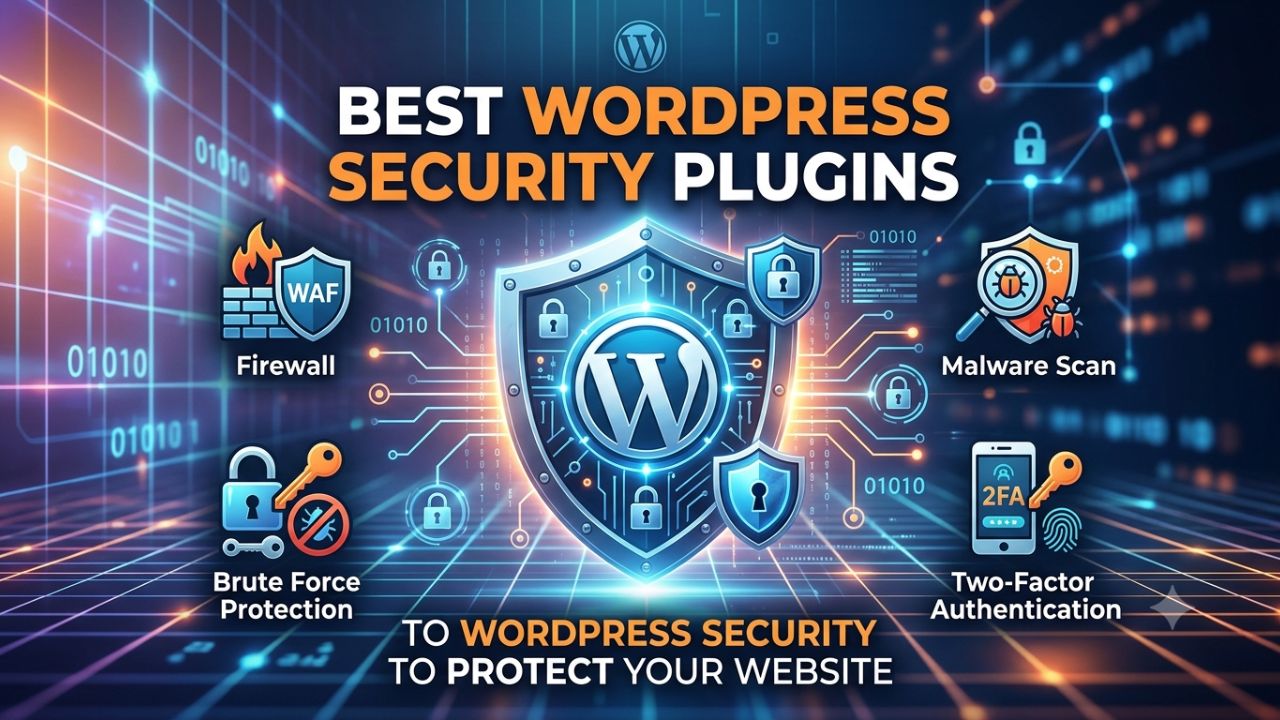
WordPress security plugins are the most effective way to secure your WordPress website. Thousands of hackers attack websites every day, making it essential to take appropriate measures to protect against such threats.
If you are serious about the security of your WordPress site and want to protect it, you can install a WordPress security plugin. Users install these plugins to safeguard their websites.
Given the rise in cyber threats, it is essential to address potential vulnerabilities in your site. WordPress offers security plugins that allow you to strengthen your website’s security. These plugins simplify the process, enabling you to secure your website easily without requiring technical expertise.
Why use a WordPress security plugin?
Just as you install antivirus software to protect a computer from viruses, you should use antivirus and other security plugins to keep your site secure. These help protect your website from hacking attacks. So, let’s take a look at the best security plugins for WordPress websites and safeguard our site from hacking.
Which Factors can be used to hack WordPress website?
- Use of crack unsecure Plugins
- Database security of WordPress
- Weak passwords
- File permissions
- Users permissions
- Theme security
- FTP vulnerabilities
- Vulnerabilities of hosting server
Best WordPress security plugins
WordPress sites are susceptible to various hacking attacks—such as brute-force attacks, MySQL injections, and executable file uploads—and there are various plugins available to protect against these and other vulnerabilities.


The plugins listed below are comprehensive WordPress security solutions; once installed, you will not need any other security plugin.
1. Wordfence Security Plugin
WordFence is the best free WordPress plugin that comes with various features. The installation and configuration were smooth sailing. You can install the free version, while the premium version offers additional features to keep your site secure against all types of hacking attacks.
Key Features
WordPress Firewall: Wordfence sets up a firewall for your site to protect it from hacking and various other risks.
Real-time Scan: The real-time scanner scans the site 24/7. You can manually scan your site and remove malware or corrupted files.
Real-time Traffic: The real-time traffic feature allows you to monitor your website’s traffic live; you can view details such as IP addresses and locations in real-time.
2-Factor Authentication (Premium): This feature is available in the premium version of Wordfence, allowing you to enable 2-factor authentication for logging into your WordPress site.
Login Limits and Brute Force Protection: You can protect your site against brute force attacks by limiting login attempts.
File Repair: This plugin repairs corrupt files in your database, ensuring you do not face any site-related issues.
2. Sucuri
Sucuri Security is one of the top WordPress security plugins with a wide range of features. The initial installation was very easy for the free version of Sucuri. The plugin offers file integrity monitoring, malware scanning, and email alerts for suspicious activity. Sucuri has both free and paid versions.
Key Features
- Detection of changes in DNS.
- Monitoring feature with malware removal.
- Website uptime monitoring features.
- WAP (Web Application Firewall) is to protect your website from DDoS attacks.
- Customer service is available in the form of email and chat.
- Instant notification when something wrong happens on site.
- Provides multiple variations of SSL certificates.
3. iThemes Security Plugin
iThemes is a top-notch security plugin that allows you to secure your WordPress website. It protects your site against all forms of hacking. The best part is that the plugin is free and available for everyone to use, although extra features are available in the premium version.
Features
Scan site for malware: Its website scanning feature is excellent; it scans the site for bad bots and malware and then notifies you to resolve any issues found.
File change detection: If a hacker modifies a file to insert malicious code, the plugin detects this activity and alerts you.
Strong password enforcement: Strong passwords are crucial for sites. iThemes generates strong passwords for your site that you can use for logging in.
Hide login and admin: You can change your login URL. Typically, the default login URL is wp-admin or wp-login.php; by changing this, you prevent others from discovering the URL used to access your admin panel.
Email notification: This plugin sends you email alerts in the event of any unauthorized or suspicious activity.
4. Bulletproof security
Bulletproof is an excellent security plugin with over 100,000 installations. Beyond just securing the website, this plugin performs a wide range of functions. You can activate specific features based on your requirements.
Features
.htaccess file firewall: The .htaccess file is the most critical file in a WordPress site, and it is the primary target for hackers; therefore, protecting it is essential. This plugin safeguards the .htaccess file using a firewall.
Login security monitoring: If a user attempts an unauthorized login to your website, you receive an email notification alert. Legitimate login attempts are monitored, and you also have the option to block the IP address of the person attempting to log in.
Database backup: Regularly backing up your WordPress site’s database files is crucial. You can use the Bulletproof Security plugin to back up database files on a regular basis; you can perform the backup manually or schedule it.
Display maintenance mode: If you are working on your website, you can set the site to maintenance mode. When a visitor visits your site, they will see the maintenance mode screen.
Idle session logout: If you are logged into the WordPress dashboard but are not actively working, this plugin automatically logs you out after a period of inactivity.
5. All-in-one wp security
All-in-One Security plugin is a comprehensive security plugin; it has over 400,000 installations and boasts excellent ratings. You can install this plugin on your website for free; there is no premium version available.
Features
User Account Security: This plugin notifies you if any user has the username ‘admin’. It also identifies weak passwords and prompts you to set strong ones.
User Login Security: With this plugin, you can easily secure the WordPress login area and limit login attempts.
File System protection: This plugin allows you to secure your website’s files. You can disable the editor within the WordPress dashboard as well as disable PHP code editing.
Block users: You can make the site inaccessible to specific users by blocking their IP addresses. This feature is helpful for identifying hackers.
Firewall protection: Websites can go down due to the presence of malware or corrupted files. This plugin not only scans the website but also protects it. It prevents common vulnerabilities by implementing specific firewall rules.
Two-Factor Authentication Plugins
You can implement dual-layer login security on your website using a Two-Factor Authentication plugin. It enables 2-factor authentication on your WordPress site; whenever you log in, you are required to enter a code received on your phone.
Clef 2-Factor Authentication
Clef 2-factor authentication is a highly popular and excellent plugin. It allows you to set up 2-step verification for your WordPress site. To use it, you need to install the Clef Authentication app on your phone and log in to your site. You can log in by matching the “Line Waves” generated in the Clef application with the waves displayed in the WordPress login area.
Google Authenticator
You can enable the 2-step verification feature on your WordPress site using Google Authenticator. After installing the Google Authenticator plugin, you will receive a code on the Google Authenticator app on your smartphone, which you must use when logging into WordPress. You can log in to the website only by using this code.
Login Limit Plugins
Using a login limit feature on your WordPress site is crucial. It significantly helps protect your website from hackers and prevents unauthorized users from logging in. This plugin safeguards your site against hacking attempts, such as brute-force attacks.
Consequently, if a hacker attempts to log in by guessing your login ID and password, their IP address is blocked. Furthermore, setting a login limit in WordPress ensures that the user’s IP address is blocked if there are excessive login attempts.
Here are the most popular plugins you can install to limit login attempts:
- Loginizer
- WP Limit Login Attempt
- Login Lockdown
In my opinion, you should use either the iThemes Security or Wordfence plugin; by installing a single plugin, you can configure all security settings at once.
Conclusion
The best WordPress security plugin handle malware detection, cleaning, and prevent website with marlware attack. In this guide, we have highlighted verified plugins from WordPress.org that you can trust and install directly.
We hope this article helped you choose the best security plugin for your WordPress site. Each one has been tested to support stronger security in practical ways.
Frequently Asked Questions
Is a security plugin necessary for WordPress?
A security plugin is necessary because WordPress does not include comprehensive protection by default.
How to make WordPress more secure?
WordPress site stays protected when updates are handled on time and only trusted plugins are used.
What is the best free WordPress security plugin?
As far as free WordPress security plugins go, WordFence is undoubtedly one of the best.
How to make WordPress more secure?
A WordPress site stays protected when updates are handled on time. Checking activity logs, removing unused tools, and keeping dependable backups.