
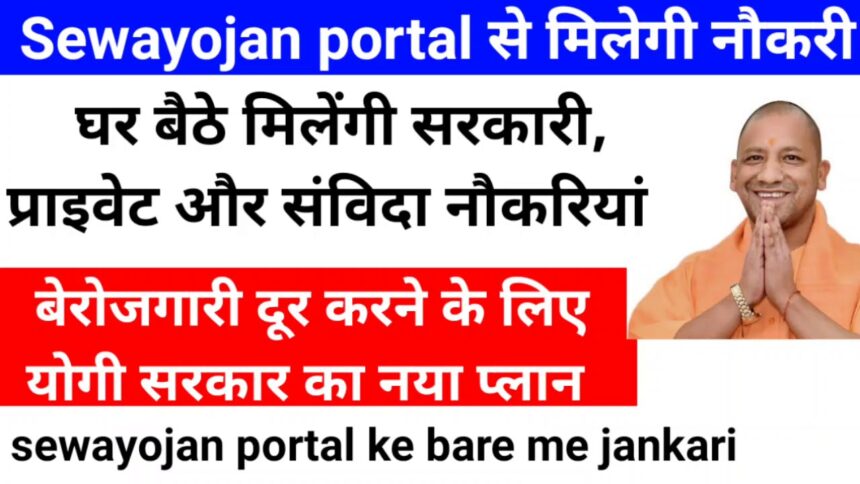
The Sewayojan Portal is a government online employment platform launched by the Employment Department of Uttar Pradesh. This portal aims to provide unemployed citizens with information about various government schemes. The Sewayojan Portal is extremely useful for youth seeking employment.
If you are also seeking employment, you can view job notifications through the Sewayojan Portal. It helps unemployed youth to apply for jobs, participate in Rojgar Melas (employment fairs), and even access the Berojgari Bhatta scheme online.
What is Sewayojan Portal?
Sewayojan is a state-level web portal www.sewayojan.up.nic.in that provides a single online platform for both employers and job seekers. Through this portal, you can view notifications for employment fairs, government jobs, and other jobs in the state of Uttar Pradesh. Here, you can find information about all types of employment, big or small.
UP Sewayojan Registration
To register on the Sewayojan Portal, you must visit the official website. Follow the steps below to register online.
- First, open the ‘Jobseeker Sign Up’ link on the official website.
- Then, enter the applicant’s name, mobile number, email ID, user ID, etc.
- Followed by, enter ‘Password’ and ‘Confirm Password’.
- Now, tick the Agree box, enter the captcha code, and click “Verify Aadhaar No.”
- Enter the captcha again and click the “Send OTP” button. Verify the OTP received on your mobile number.
- This will create the applicant’s user ID, which will be used to login.
- Then, the user has to fill in the options like personal details, upload photo, contact, physical, educational, language, experience, skills, preference etc.
- In the last step, fill in the ‘Declaration’ section and click on the “Save” button.
Reset User ID and Password
If you’ve forgotten your User ID and Password, they can be reset. To reset your password, you’ll need your registered mobile number. An OTP will be sent to your registered mobile number, which must be verified. Follow the steps below to reset your password.
- First, open the Forgot Password link on the Sewayojan portal.
- Then, select the ‘Jobseeker’ option.
- To reset your password, select “I forgot my password.”
- And if you’ve forgotten your User ID, select “I’ve forgotten my User ID.” Then, click “Continue.”
- Next, enter your registered mobile number, which you entered during registration.
- Enter the Captcha code and click “Continue.”
- Then, an OTP will be sent to your registered mobile number. Enter it and verify it.
- The next step is to enter your new user ID or password and submit it.
Uttar Pradesh is the most populous state in the country. Unemployment rates are also high here, so the state government has launched the Sewayojan Portal. This portal provides employment opportunities to unemployed youth in both the private and government sectors.
- Bihar Mukhyamantri Kanya Utthan Yojana
- Viklang Pension Yojana: Eligibility, Benefits and How to Apply
- Subhadra Yojana? Eligibility, Benefits and How to Apply Online
- Samagra ID Portal – Print/Download, Search, eKYC, Status