
The Life Insurance Corporation (LIC) has crores of policyholders across the country. LIC offers insurance plans to its customers and frequently introduces various schemes. Through these schemes, citizens can invest and earn good returns.
To invest in these policies, customers are required to pay a monthly premium. Before digitalization, premium payments had to be made by visiting a nearby LIC office; however, the process has now moved entirely online. LIC has launched an online portal for its customers and also provides the facility to pay premiums via UPI.
LIC Online Premium Payment Modes
LIC offers a variety of options for online premium payment. Some of the most commonly accepted modes for LIC premium payment online are listed below:
- Debit or credit cards
- Via QR code
- Net banking
- UPI payments
LIC Third-Party Channel Premium Payment
You can also pay your LIC premium via PhonePe. There is no need to go anywhere; you can pay the premium from the comfort of your home. To do this, you can follow the steps outlined below.
Through Paytm:
- Log in to your Paytm account via the app or website.
- On the top of the screen, select the ‘Recharge & Pay Bills’ option.
- Select the ‘LIC/Insurance’ icon from the drop-down menu.
- Enter your LIC policy number and click ‘Proceed’ to make a payment using Paytm wallet.
- You will receive a confirmation message by Paytm notification, SMS, and email after successfully payment.
Through PhonePe:
- To pay your LIC premium, first open the PhonePe app.
- Next, you will see the option for insurance premium payment; click on it.
- Then, select the LIC premium payment option.
- Enter your LIC number and email ID, then click on ‘Confirm’.
- You will then see the payment options; select the one you prefer.
- Enter your credit or debit card details.
- You will receive an OTP; enter it and click ‘Submit’.
- Your LIC premium payment will then be completed.
LIC provides easy online payment via UPI, net banking, debit/credit cards, and Bharat QR. Use official website, LIC Digital app, or apps like Paytm/PhonePe for quick payments.
There are many online UPI apps that offer the option to pay LIC premiums, with Paytm and PhonePe being the most popular among them.
You can now link your LIC policy and make payments using UPI from the comfort of your home. Previously, payments could only be made via net banking or credit/debit cards, but now you can easily pay using UPI.
FAQs
How to pay my LIC premium online?
You can pay your LIC premium online at the official LIC website, either by using the “Pay Direct” option.
Can I set up automatic premium payments online?
Yes, you may choose to set it to automatic and your premiums will be auto-deducted from your bank account.
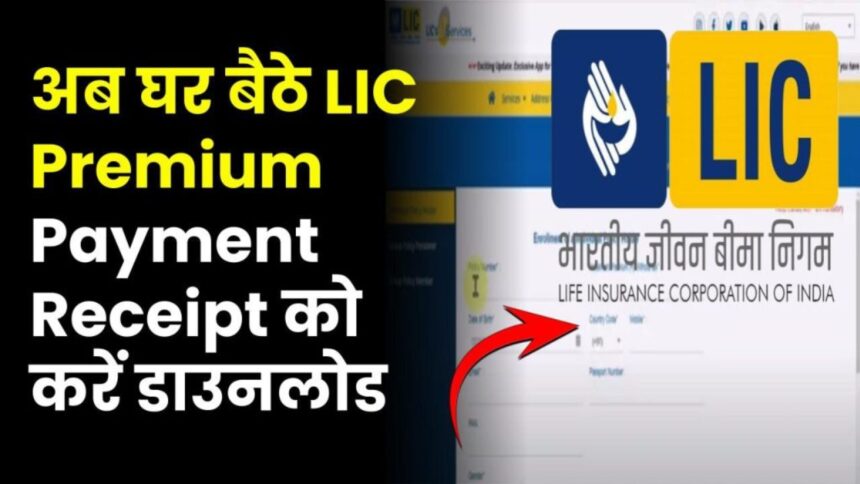
How to get a lic payment receipt?
You can download it from your LIC customer portal.
Compliance Disclaimer: The information provided in this guide is for general purposes only and should not be considered as investment or tax advice.