What is Apple Pay? How You Can Use it on Your iPhone
Apple Pay is Apple’s digital wallet and mobile payment system, for convenient transactions across multiple channels. Apple users to make contactless payments at supported stores as well as purchases through apps and websites.

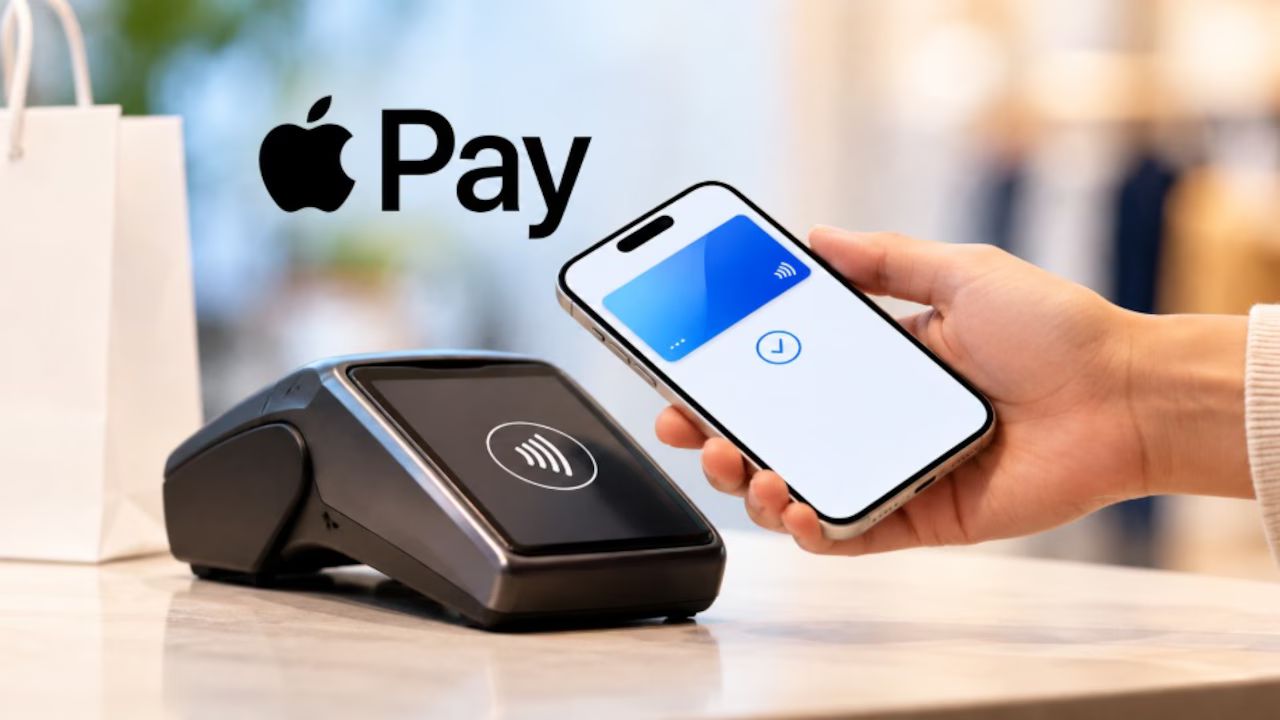
Apple has finally officially launched its contactless digital payment service, Apple Pay, in India. The company has partnered with the Mumbai-based financial institution Axis Bank to introduce ‘Tap to Pay’ via Apple Pay in the country. With this expansion into India, Apple Pay is now available in over 90 countries and regions.
Key Takeaways
- Apple Pay is a mobile payment system launched by Apple in 2014.
- The service uses near-field communication (NFC) for contactless transactions.
- It provide security by encrypting and storing card info in a Secure Element.
- Supporting device include iPhones, Apple Watch, iPads, and MacBooks.
What is Apple Pay?
Apple Pay is a contactless payment solution using an Apple device, such as an iPhone or Apple Watch. It is a contactless payment technology for Apple devices that makes it easy and convenient to pay for purchases in stores. Apple Pay does not need you to enter an OTP or PIN while making a purchase.
Apple Pay is available for all compatible devices—it can be integrated with iPhone, iPad, and Apple Watch. If you have an iPhone XR or a newer model running iOS 18 or a later software version, you can add your Axis Bank-issued credit card.
In India, Apple Pay is currently limited to Visa and Mastercard credit cards issued by Axis Bank. It is secured by Face ID, Touch ID, and the device passcode.
How does Apple Pay work?
Apple Pay uses near-field communication (NFC) chips embedded in Apple devices to make contactless payments. Apple device uses NFC technology to communicate with the payment terminal.




When you pay in a shop, your actual card number is not shared with the retailer. Devices that support Apple Pay include the iPhone 6 and later models, Apple Watch, iPad, and MacBook.
How to set up Apple Pay?
Setting up Apple Pay in India is straightforward. In the Wallet app, you simply need to click on the plus sign and then follow the steps.
- Unlock your compatible iPhone.
- Open the Wallet app on your compatible iPhone.
- Now, tap the plus (+) sign visible at the top of the screen.
- A new screen will open. Here, tap on the ‘Debit or Credit Card’ option.
- Next, place your iPhone against the back of your eligible Axis Bank-issued credit card.
- You can tap the ‘Enter Card Details Manually’ button to enter your card details.
- Now, enter your full name along with the credit card number, expiry date, and security code.
- Next, tap the ‘Continue’ button to add the card to your Apple Wallet.
- Follow the on-screen instructions to complete the setup process.
- Once your Axis Bank-issued credit card is added to your Apple Wallet…
- You can use it to ‘Tap and Pay’ at compatible PoS terminals.
How to Pay Online or in Apps
- Tap the Apple Pay button at checkout.
- Check your shipping and billing details.
- Double-click the side button and confirm with Face ID, Touch ID, or passcode.
Is Apple Pay safe to use?
Apple Pay is designed to protect your card details. Instead, Apple Pay uses a device-specific account number and a single-use security code for each transaction.
Pros and cons of Apple Pay
Pros
- Quick and convenient for in-store, in-app and online payments
- Your actual card number is not shared with the retailer
- Payments are authorised on your device using Face ID, Touch ID, Optic ID or your passcode
- Higher-value contactless payments may be possible where supported
Cons
- Not every retailer, bank or card provider supports Apple Pay
- You’ll need a compatible Apple device
- You may need a charged device for in-store payments
- The ease of mobile payments can make it harder to keep track of spending
Apple Pay can also be used in supported apps and on websites. Apple Pay will be accepted by merchants including Apple Store locations, Blinkit, Chaayos, Comet, Croma, Interflora, Ixigo, Le15 Patisserie, Reliance brands.
FAQs
What is Apple Pay?
Apple Pay is Apple’s digital wallet and payment service, enabling secure and contactless in-person.
Can Apple Pay be used internationally?
Yes, Apple Pay works in many countries worldwide.
Can Android users access Apple Pay?
No. Apple Pay is exclusive to Apple devices (iPhone, iPad, Apple Watch, Mac).
How much does Apple Pay cost to use?
Apple Pay is completely free for users—no subscription or transaction fees.