What is Google Page Experience? A Guide for the Rest of Us
Page Experience is an SEO-specific term for a new metric being rolled out in 2021 by Google to measure a website’s usability from a public perspective.

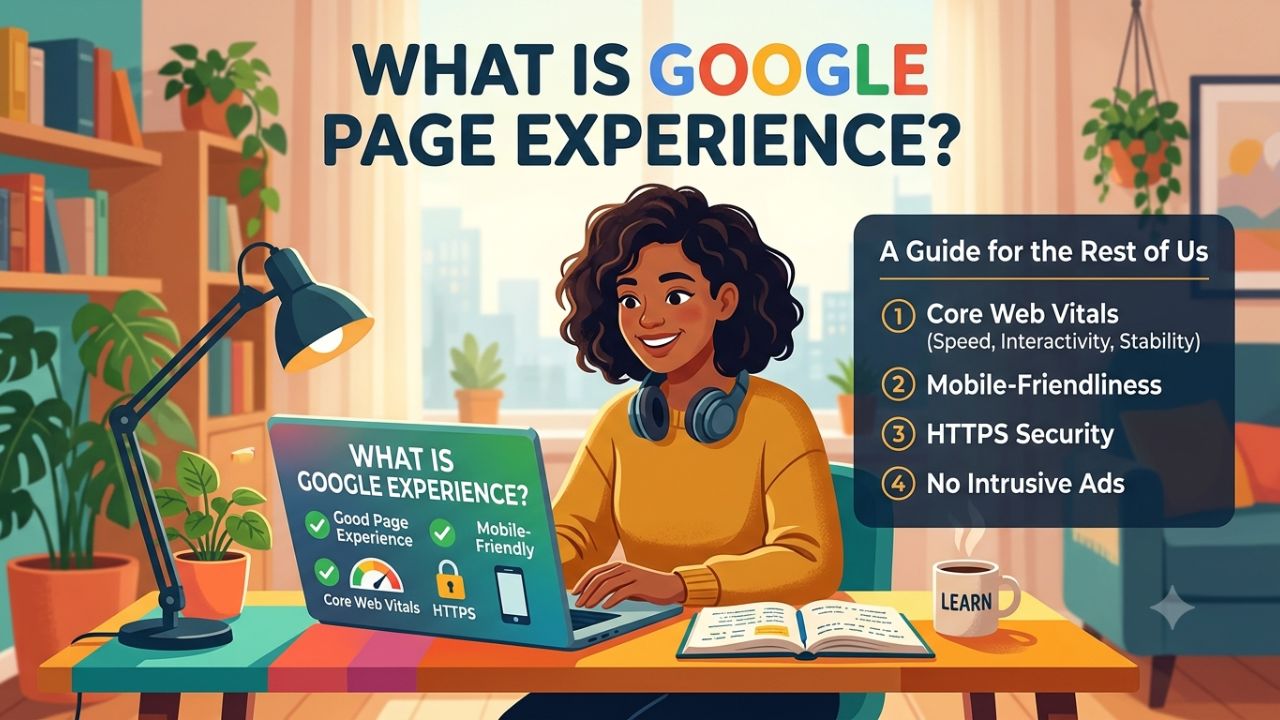
Page Experience refers to the experience a user has when opening and using a website or webpage. A good experience is defined by the visitor’s perspective, and it influences how many of them become customers.
Aspects such as website speed, proper mobile rendering, security, and ease of use are crucial for Google Page Experience. If a website is slow or does not display correctly on mobile devices, users may leave the site.
For a good page experience, a website should have a simple design, fast loading speeds, and easily readable content. Maintaining a good page experience is beneficial for those running blogs or websites. Learn how Google defines page experience and what it means for websites seeking greater visibility.
What is Page Experience?
Before delving into what is Google page experience, you need to know what is meant by page experience. Page Experience is a way to understand a webpage’s usability and convenience for the user. It assesses how fast, secure, mobile-friendly, and easy to use a website page is for the user.
Google’s page experience documentation lists the aspects its systems look at: Core Web Vitals, serving pages over HTTPS, working well on mobile devices. It focuses on the user experience and how to optimize it.




Page Experience Signal Criteria
Page Experience evaluates how fast, secure, mobile-friendly, and easy to use a website page is for actual users. If you fail to keep track of these updates, you may quickly lose your rankings.
- Mobile-friendliness
- Page speed insights
- Safe Browsing
- HTTPS encryption security
- Visual layout stability
- Responsiveness
- No intrusive interstitials
For instance, if a person visits your blog to read an article on their mobile and the page loads within a few seconds, the text is easy to read, and links and buttons function correctly, it is considered a good experience.
On the other hand, if the page takes a long time to load, the content shifts around on the screen, or there is difficulty clicking buttons, the user experience can be poor.
How to check Page Experience?
You can use PageSpeed Insights tools to view metrics related to your website’s performance and Page Experience.
Additionally, Search Console provides reports on Core Web Vitals, whereas PageSpeed Insights offers information regarding a webpage’s performance and potential improvements.
Understanding Core Web Vitals
Core Web Vitals are important metrics that measure a website’s actual usability and performance. They primarily consist of three metrics: Largest Contentful Paint (LCP), Cumulative Layout Shift (CLS), and First Input Delay (FID).
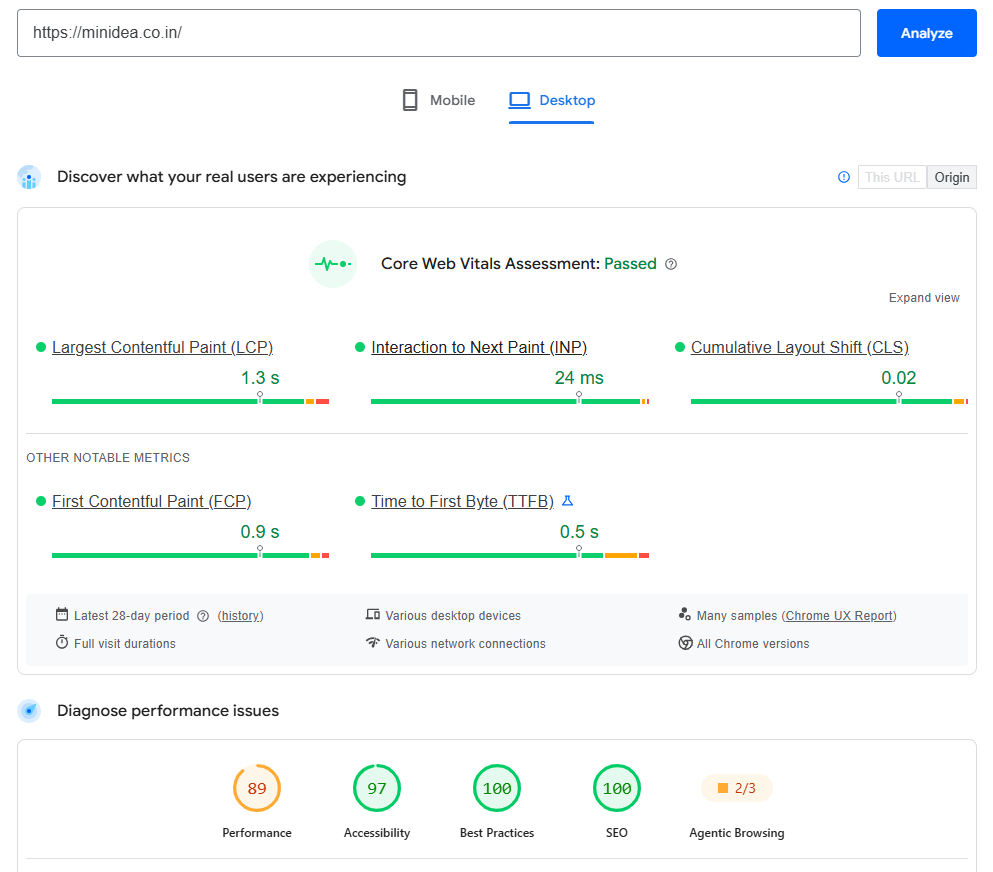
What is LCP (Largest Contentful Paint)?
This measures how quickly the largest piece of main content on the page appears on the screen. The better a website’s LCP, the sooner the user sees the information on the page.
What is a Good LCP? – Google wants your website’s LCP to occur within the first 2.5 seconds of the page loading.
What is a Poor LCP? – Pages with an LCP above 4 seconds are considered Poor.
What is CLS (Cumulative Layout Shift)?
Cumulative Layout Shift (CLS) measures the visual stability of web pages. If text or buttons suddenly shift up or down, causing you to press the wrong button, you have experienced poor CLS.
What is a Good CLS? – Website pages with a CLS score under 0.1 are considered Good.
What is a Poor CLS? – Websites with CLS scores above 0.25 are considered Poor.
What is FID (First Input Delay)?
First Input Delay (FID) measures the time it takes for a web page to respond to a user’s first interaction. Google wants websites to load instantly and become responsive as soon as a user opens them.
What is a Good FID? – FID score under 100 milliseconds are considered Good.
What is a Poor FID? – An FID score above 300 milliseconds is considered a Poor experience.
You can measure these core web vitals with the Core Web Vitals Report in Google Search Console.
How to improve Page Experience?
You can keep a few general points in mind to improve the page experience.
Improving the website’s loading speed is essential; to achieve this, you should optimize large-sized images. Next, thoroughly test the website on mobile devices. Use HTTPS on the site and ensure that the page layout does not shift unexpectedly while loading.
Additionally, remove unnecessary pop-ups or elements from the website that hinder the user from reading the main content. Keep the website navigation simple so that visitors can easily move from one page to another.
Conclusion
Helpful content, a good user experience, a fast website, a mobile-friendly design, and regular content updates combine to form a strong on-page SEO strategy.
To rank a website higher in search engines, a good page experience is essential. Google no longer looks merely at keywords; it evaluates whether users are satisfied when visiting your website.
Most people use the internet on mobile devices. If your site looks good on desktop but the text gets cut off or buttons are unresponsive on mobile, Google will never rank it.
FAQs
How to check Page Experience?
You can check the website’s performance and the status of Core Web Vitals using tools like Google Search Console and PageSpeed Insights.
Is Page Experience important for SEO?
Yes, a good page experience improves the website for the user and is also beneficial for SEO.
Final tip: SEO is not a one-time task but a process of continuous improvement. Therefore, monitor the performance of every article after publishing it.