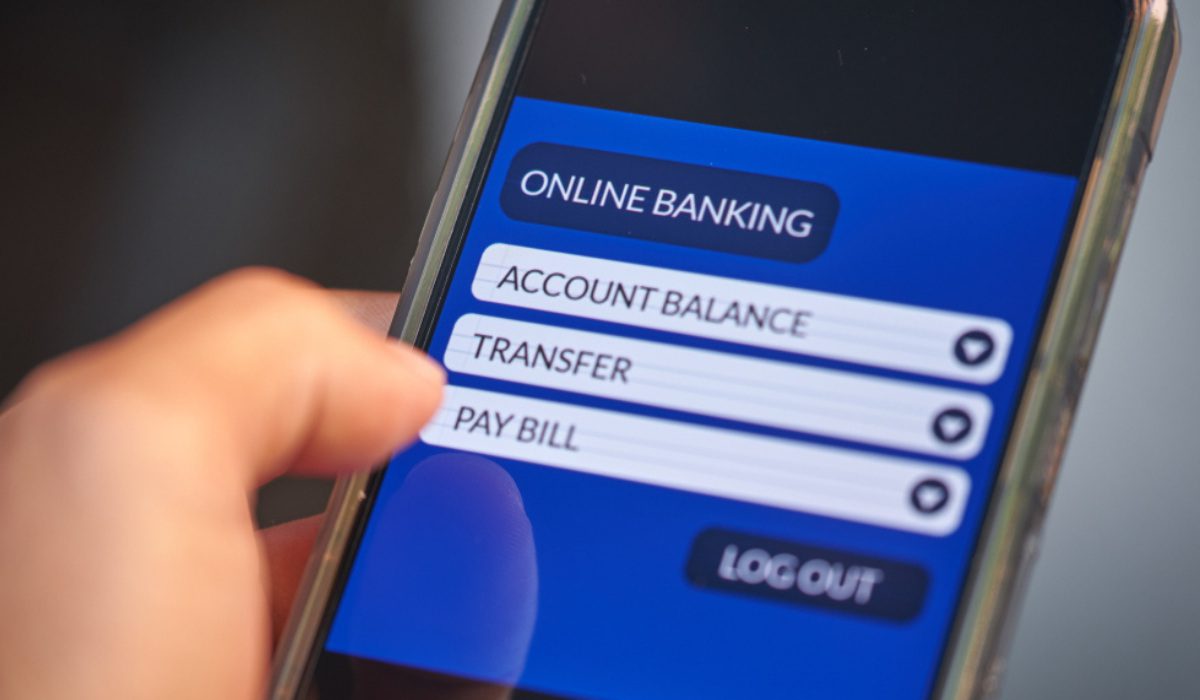
If you hold a bank account with Punjab National Bank (PNB), you can find information on how to check your account balance in this article. Punjab National Bank is counted among the country’s leading banks.
The PNB provides banking services in urban and rural areas and is owned by the government. There are several ways to check your PNB account balance, which we explain in detail here. Also, please keep in mind that you must register your mobile number with your bank account.
Different Ways to PNB Bank Balance Check Number
There are several ways for customers to check for their PNB account balance, and they are:
- Through Missed Call
- Through SMS
- Through WhatsApp
- Through Online Banking
- Through Mobile Banking
- Through ATM
- Through E-statement
- Through UPI
PNB Balance Check via WhatsApp banking.
- First, PNB customers should save the number +91-9264092640 on their phones.
- Next, go to this number on WhatsApp and type “Hi”.
- You will then see a few options, from which you can select the balance check option.
Check your PNB account balance via a missed call
PNB customers can inquire about their account balance by using Missed call services. On dialing, your call will get disconnected after a few rings. You will immediately get an SMS with your PNB account balance.
- Customers need to give a missed call to the toll-free number 18001802223 from their registered mobile number.
- The call will disconnect automatically after connecting.
- You will then receive an SMS containing details of your account balance.
Check PNB account balance via SMS.
| Service | Keyword |
|---|---|
| Balance Enquiry | <BAL><space><16-digit account number> |
| Mini Statement Enquiry | <MINSTMT><space><16-digit account number> |
| Self Transfer of Funds | <SLFTRF><space><fromA/C><space><to A/C><space><AMOUNT> |
| Check Status Enquiry | <CHQINQ><space><cheque number>< space><16-digit account number> |
| Stopping Payment of Cheque | <STPCHQ><space><16-digit account number> |
- First, go to the messaging section on your registered mobile number.
- Next, type ‘BAL (16-digit PNB account number)’.
- Then, send this message to 5607040.
- After a short while, you will receive a reply message from the bank containing details of your bank balance.
Check PNB account balance via Net Banking.
- First, visit the PNB internet banking website.
- Next, tap on ‘Retail Internet Banking’.
- Now, enter your User ID and password.
- Then, click on ‘Account Summary’ on the dashboard.
- Here, you will be able to view your bank balance.
Checking your PNB account balance is very important, and there are several ways to do so. PNB enables its customers to check their account balances and avail themselves of various other services. Now that you are aware of these many methods, you can choose the one that suits you best.




FAQs
Can I check my PNB balance via WhatsApp?
Yes. Save 9264092640, send “Hi,” then choose “Account Services”. Click “Balance Enquiry” to see your balance.
Can I check my PNB balance without internet?
Yes, you can check your Punjab National Bank balance without internet.
How to check PNB mini statement?
Send MINSTMT <16-digit PNB account number> to 5607040 from your registered mobile number.