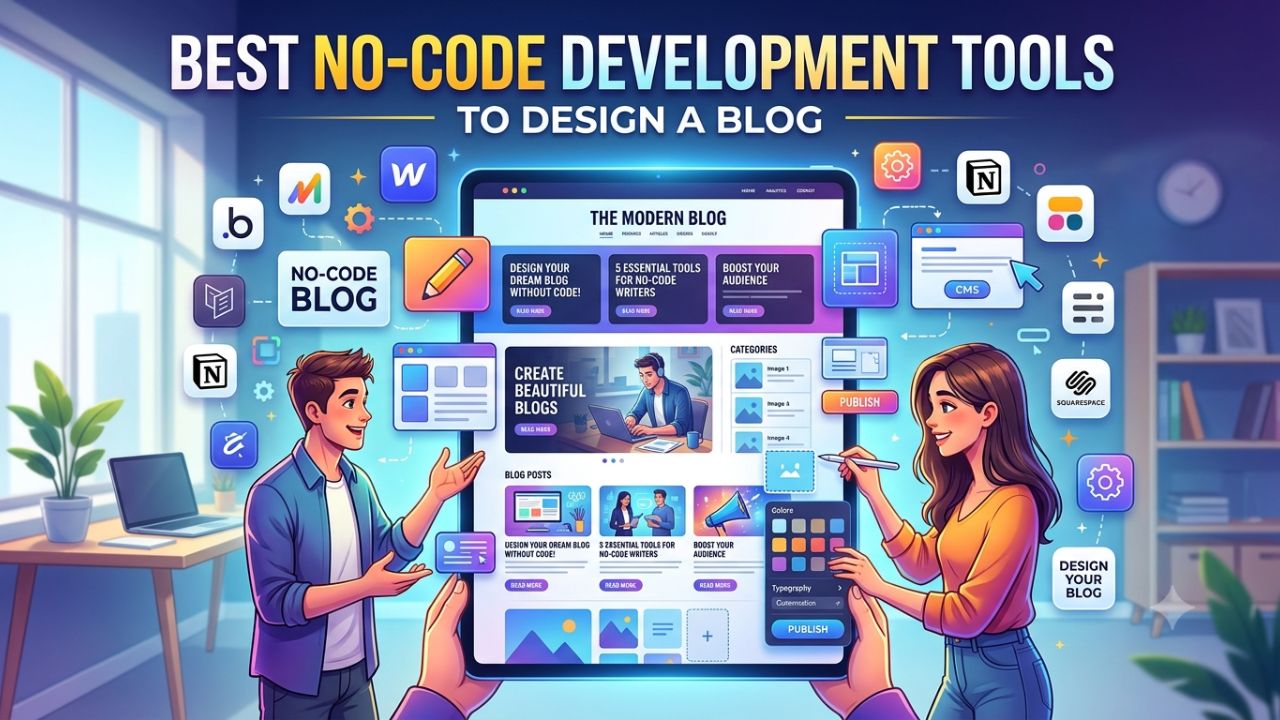
No-code development tools have revolutionised web design, allowing to build blogs without needing coding skills. They let you create a website quickly and easily to focus on growing your ideas.
I tested dozens of Best No Code Development Tools to Design A Blog to see which ones actually work and easy to use. These tools work perfectly and can easily design a blog.
In this article, I’ll walk you through some of the best no code website builders with personal projects or launch new products using user-friendly, graphical interfaces.
What is a no code website builder?
No-code website builders are tools that allow to create websites or blog without writing a single line of code. You can drag and drop elements wherever you want, use ready-made templates.
Best No Code Development Tools
No-code website builders are powerful tools that enable users to create and design websites. Here, I’ll share the top no-code website builders.




Webflow
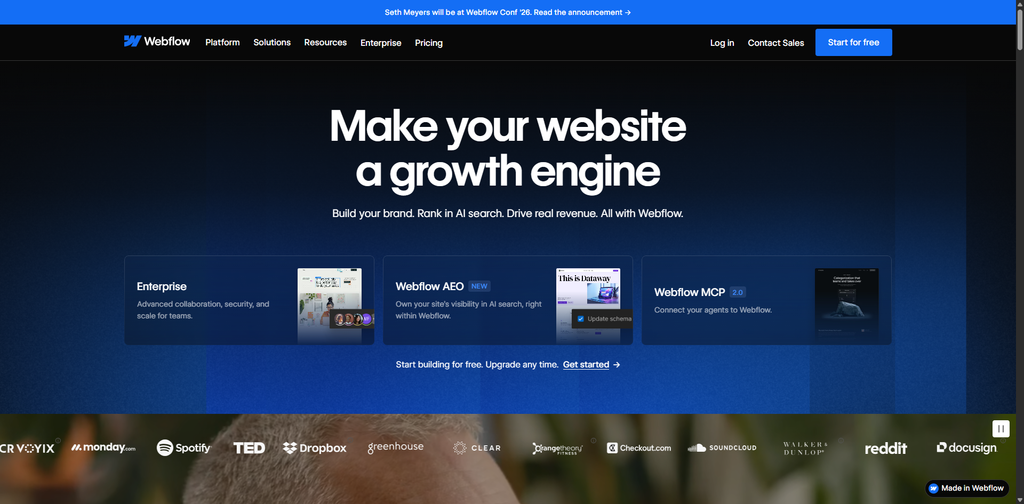
Webflow is both a website builder and a CMS (content management system). It gives you granular visual control similar to front-end development tools. The platform offers a vast set of tools for different websites. This makes it especially popular with designers, marketers and agencies.
- Steeper learning curve than most on this list
- Highest design flexibility of any no-code website builder
- Full SEO control: meta tags, canonical URLs, sitemaps, and redirects
- Fast page loads with optimized global hosting included
- No code export; you are committed to Webflow’s infrastructure
Price: free plan; from $14 per month; e-commerce plan from $29 per month.
Wix
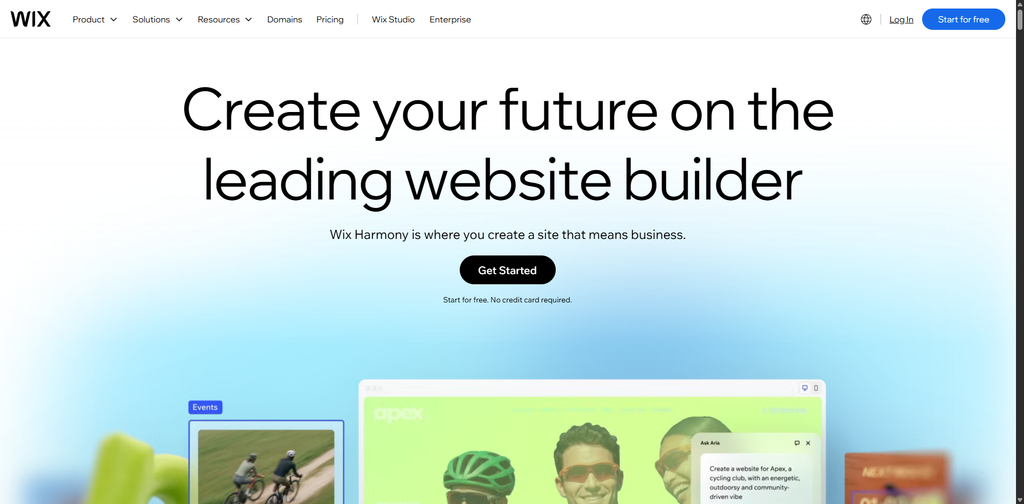
Wix stands out as a premier no-code platform for blog creation. The builder offers different solutions to start website creation conveniently. With over 900 design templates, Wix allows to create professional and engaging blogs effortlessly.
- Easiest to start; drag anything anywhere on the canvas
- 900+ templates across every category
- Built-in SEO tools, though limited compared to Webflow
- App Market covers email, CRM, bookings, and e-commerce
- No code export; full vendor dependency
Price: from $7 per month, business plan from $22 per month.
Bubble
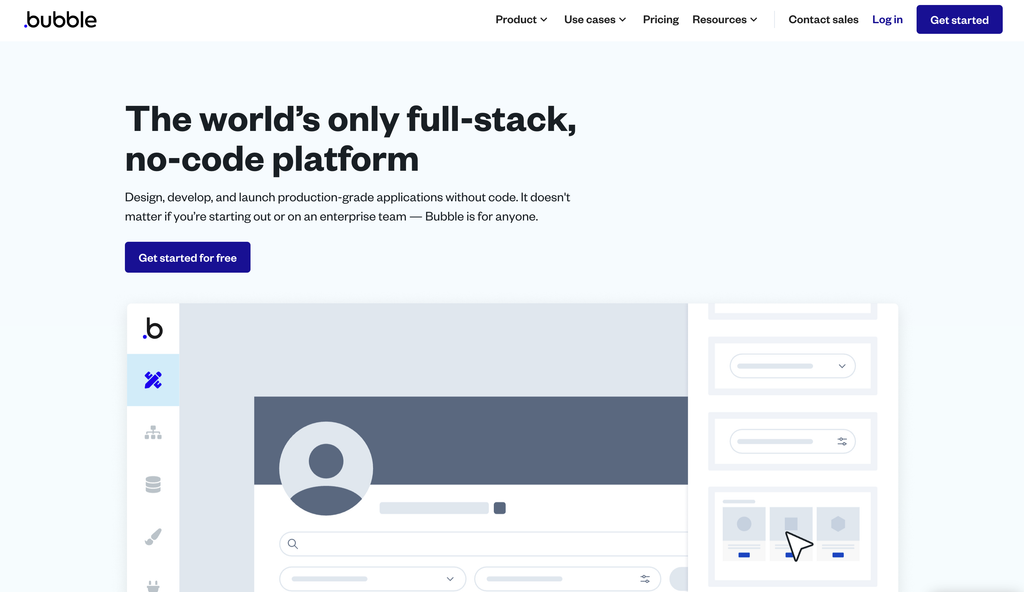
Bubble remains one of the most capable and mature no-code platforms available. You’ll have a lot of control over UI, data structure, and overall performance. It’s a powerhouse for building SaaS and marketplaces. Bubble is the right choice if you’re building customer-facing web apps.
Bubble is used by entrepreneurs, startups, and small businesses to create prototypes. Drag and drop interface provides you with effective governance of the designing components. This platform provides users with a robust visual editor to create complex design.
- One project for web and native iOS/Android apps.
- Built in database or connectors for external SQL and any REST API.
- AI to scaffold apps, edit UIs, and create data types from prompts.
- Managed AWS hosting with options for dedicated instances.
- Collaboration via branching version control and a team changelog.
Price: Bubble’s lowest paid plan, Starter at $59/month ($29/month billed annually).
Figma Make
Figma Make is Figma’s AI-powered, no-code app builder. You can start from a text prompt, an existing Figma design. You can adjust copy, spacing, colors, and layout in plain language.
You can adjust copy, spacing, colors, and layout in plain language and see changes instantly. Figma Make is best for prototypes and MVPs, not production-scale apps.
Pricing: Figma Make is included with Figma subscriptions. The free plan comes with 150 AI credits/day (up to 500 AI credits/month).
Squarespace
Squarespace Premium is built for creative teams and agencies managing brand portfolios. Create professional websites for eCommerce and blogging with no coding skills. Squarespace includes responsive templates, Fluid Engine drag-and-drop editing, AI website creation.
Click Funnels
Having a website or blog is essential for establishing an online presence. With ClickFunnels, you can easily create a professional blog while saving money.
ClickFunnels makes website building simple—pick a theme, drag and drop elements. Online businesses and entrepreneurs can easily create sales funnels and landing pages without any coding.
Pricing: Start with a 14-day free trial and then upgrade to the Startup Plan, which costs $81/month.
Dorik
Dorik offers a flexible, no-code solution with robust features like blogging and membership websites. Originally launched in 2020 as a drag-and-drop website builder.
- Fast setup; good for agencies managing multiple client sites
- White-label options available for client billing
- Decent templates; less design flexibility than Webflow or Framer
- Basic SEO tools
- No code export
Price: from $18 per month.
How to Choose the Right No-Code Platform
Choosing the right no-code platform to design a blog is a challenging task. To build an excellent marketing website without coding, one should consider a few key factors.
Ease of Use: You should choose a platform that is easy and simple.
Flexibility: A no-code platform should be completely flexible, offering custom templates and pre-built designs.
Collaboration: Especially important if your team involves designers, marketers, and product managers.
Conclusion
With no-code tools, even those without coding knowledge can easily design blogs. These tools are popular among rapidly growing companies and startups.
If you also want to design a blog or website without coding, you can use no-code development tools. These tools enable you to design not only impressive websites but also internal tools or connected workflow systems.
Frequently asked questions
What is the best no-code website builder?
Webflow has a wide range of services for eCommerce projects, portfolios, one-page websites, etc.
Are no-code websites good?
Websites created with no-code builders are just as good as regular ones.
Which no-code platform is easiest for beginners?
Beginners often find Glide and Softr to be the most approachable options.
Is a no-code website builder good for SEO?
Reputable no-code website builders offer built in SEO that allow you to manage meta titles, descriptions, alt tags, and other on page SEO elements.