Want to improve your SEO but not sure where to start? SEO Chrome extensions can simplify the keyword research, backlink analysis and audit process.
Staying up to date with the latest information in digital marketing is crucial. Similarly, SEO is crucial to rank your website in the top positions in search engine rankings. However, SEO requires tools. However, Chrome extensions can easily accomplish all these tasks.
The best SEO Chrome extensions save time by automating tasks. No matter what niche you provide SEO services in, choosing the right extension can always be challenging. Here we’ve listed some popular Chrome extensions for checking SEO Audit, On-Page SEO, Backlink Checker, and Technical SEO.
Best SEO Schrome Extension
Chrome extensions have become essential for SEO experts, helping to increase productivity through accurate analysis within the browser. We tested the most recommended SEO extensions.
1. Ubersuggest
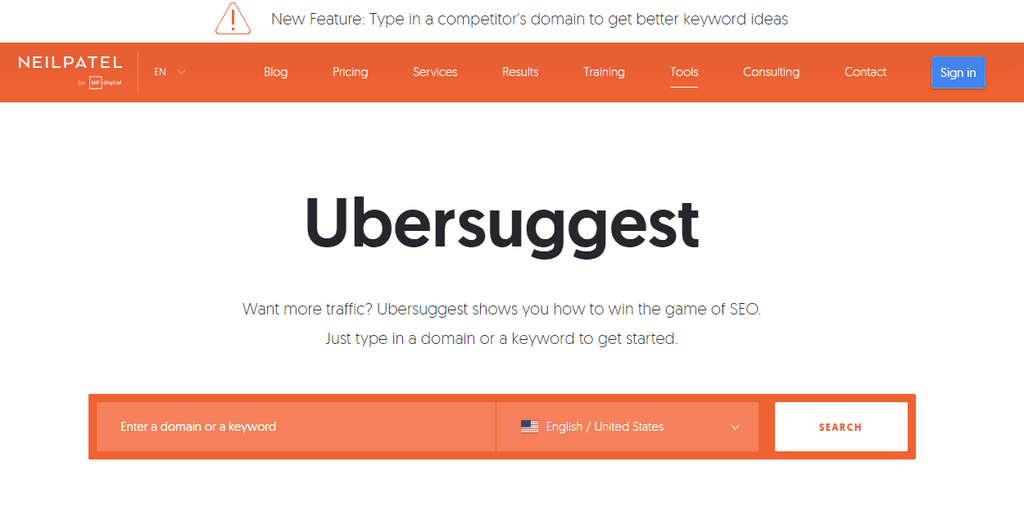
Ubersuggest isn’t just a great SEO extension—it’s one of the most comprehensive free tools. It’s best for competitive research, keyword suggestions, search volume and backlink analysis.



2. MozBar
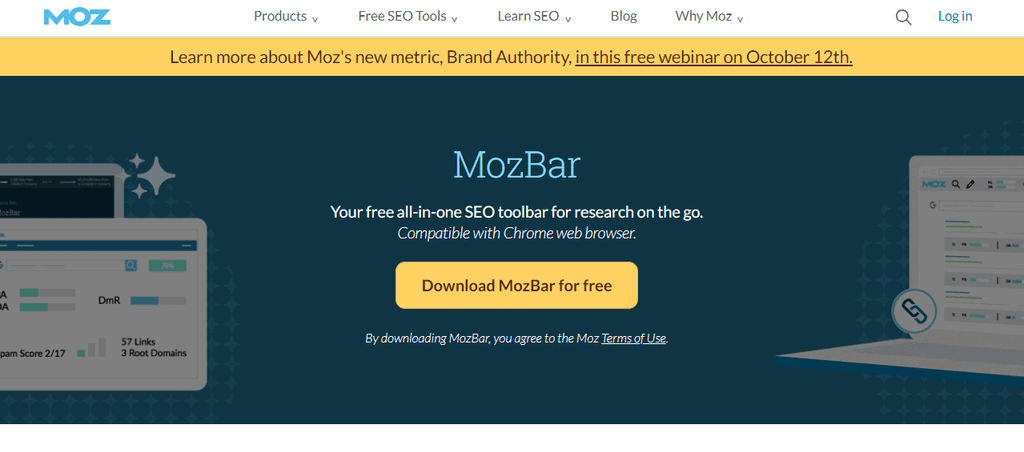
MozBar is one of the most popular chrome SEO extensions, that provide Domain reletad details like Domain Authority, Page Authority, Spam Score and other metrics for any web page. Apart from this, you can also separate the links by Followed, No-Followed, External, or Internal. This extension makes it easy to assess the strength of any website.
3. SEOquake
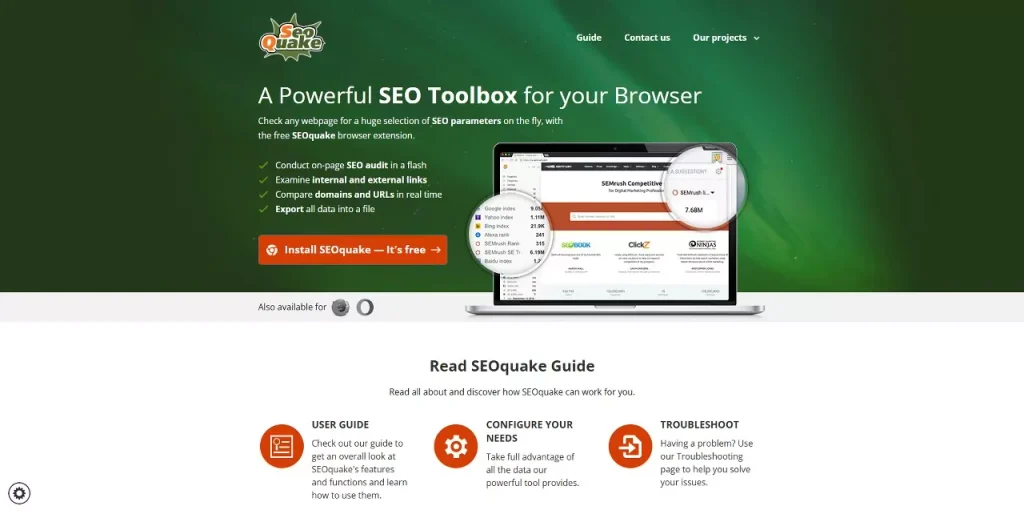
SEOquake is a free extension from Semrush to check website’s statistics. It also checks on-page seo audit, nofollow links, internal and external links, page links, and robots tags.
4. SEO Meta in 1click
SEO META in 1 Click extension help to find all information about any website. It provides information such as the page title, meta description, meta keywords, URL, and author name. This is one of the best SEO Chrome extensions, which helps a lot in improving the SEO of your blog.
5. SEO Minion
SEO Minion is one of the best SEO chrome extensions that provides information about on-page SEO, broken links, Hreflang, etc. for any site.
6. Keywords Everywhere
Keywords Everywhere is another useful chrome extension for SEO professional. This tool provides keywords information about it’s volume and competition of keywords searched on Google search engine results, YouTube and other platforms.
7. Grammarly
Grammarly isn’t an SEO tool, but it’s crucial for SEO. It’s crucial for maintaining content quality. This indirectly impacts a website’s search rankings. Using it can help you improve your website/blog’s content and make it search engine-friendly.
8. MST SERP Counter
MST SERP Counter help to find search engine result pages ranking. It makes it easy to determine the position in which a keyword is ranking. It is helpful for competitor ranking analysis.
Frequently Asked Questions
What is the best SEO Chrome extension?
The best SEO Chrome extension is the one that solves your problem. If you want to do multiple SEO tasks, Ubersuggest may be best.
Are free SEO extensions actually work?
Yes, and the top of this list is mostly free.
Are Chrome SEO extensions safe?
Yes, when downloaded from the Chrome Web Store.
Conclusion
SEO Chrome extensions make it easy to access crucial SEO data. Ubersuggest and Check My Links allow you to easily perform everything from keyword research to link audits. Each of the extensions mentioned in this article offers unique features that simplify tedious processes.