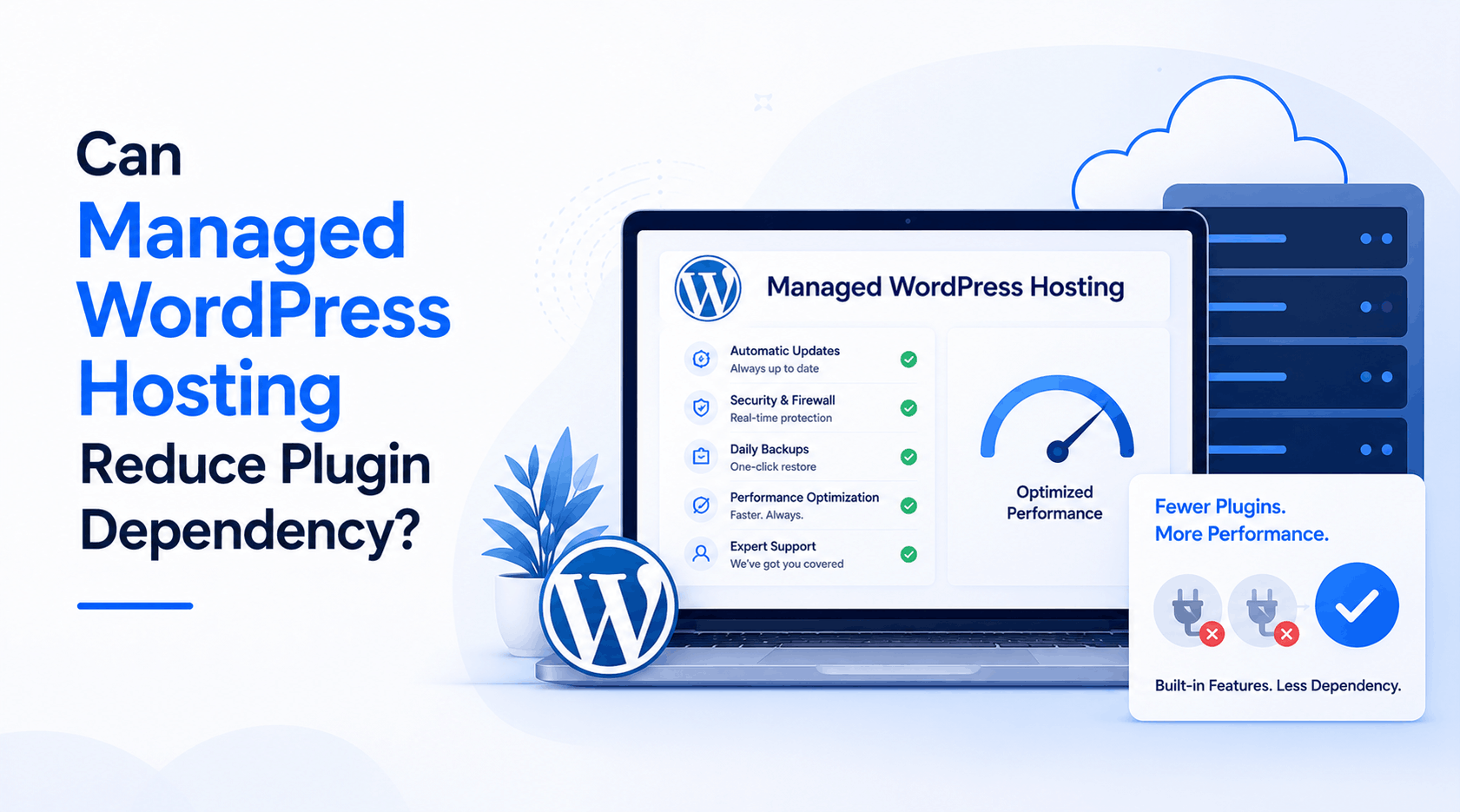
A typical WordPress website carries more plugins than the person managing it can actually name from memory. Every missing feature turns into another plugin install, and within a year, a lean website turns into a stack no one fully understands anymore. Picking the best WordPress hosting site from the very first month changes that trajectory more than most founders expect, since the right server setup absorbs work that plugins would normally handle.
Managed hosting builds core functions directly into the server layer instead of leaving every task to a plugin. Caching, security, and image optimization often run natively once a host handles them at the infrastructure level. Comparing Cloudflare WordPress hosting pricing against a typical plugin bundle usually reveals savings most website owners never calculate, since premium plugin licenses add up faster than most budgets account for.
Why Plugins Add Up
Every WordPress website starts simple; then a form needs a plugin, a gallery needs another, and a security scan needs a third. None of these choices feels wrong at the time, since each plugin solves a real problem in isolation. The trouble surfaces later, when updates conflict, load times drop, and nobody remembers why half of these tools ended up on the website in the first place.
What Managed Hosting Changes
Managed WordPress hosting moves core functions out of the plugin folder entirely. A host handles caching, malware scanning, and update management at the server level, which removes the need for a plugin to do that same job. Fewer plugins mean fewer conflicts, and fewer conflicts mean fewer emergency weekend calls from a client whose website suddenly stopped working correctly.
Plugin Update Conflicts
Two plugins rarely undergo joint testing before release, and a routine update from one developer can silently break a feature built by another. Managed environments catch many of these conflicts before they reach a live website, since staging tools and compatibility checks run as part of the hosting plan rather than as a separate purchase.

Built-In Caching Layer
Page speed plugins exist because most shared hosting environments rarely cache anything by default. A managed environment changes that default. Server-level caching serves pages faster without a plugin monitoring memory limits or competing with another caching tool for control. That alone removes one of the most commonly installed plugin categories from a typical WordPress build.
Security Without Plugins
Security plugins scan files, block suspicious logins, and monitor firewall rules, and most WordPress websites run at least one. Managed hosts increasingly build these checks into the server environment directly, scanning malware and blocking brute force attempts before a request even reaches WordPress. That coverage runs continuously instead of waiting for a scheduled plugin scan to catch a threat after the damage starts.
Image Handling Reconsidered
Large images slow websites down more than almost anything else, which explains why image optimization plugins rank among the most downloaded tools in the repository. Several managed hosts now compress and serve images automatically through dedicated infrastructure, cutting load times without adding another plugin that needs regular updates and occasional troubleshooting of its settings, especially after a WordPress core update alters the behavior of existing plugins.
Backup Handling Simplified
Manual backups depend entirely on remembering to run them, and a missed backup rarely reveals itself until data actually disappears. MilesWeb builds daily backups directly into its managed hosting plans, alongside free professional email accounts. This removes one more task from a growing plugin checklist that most website owners never review closely enough until a lost file forces them to look at it directly.
Developer Time Saved
Every plugin added to a website becomes something a developer eventually has to test, update, or replace. Managed hosting narrows that list considerably, since infrastructure-level features never appear in a plugin audit at all. Development teams report spending noticeably less time on routine maintenance once core functions move off the plugin layer entirely, freeing up hours that used to go toward compatibility checks after every WordPress release.
Cost Comparison Reality
A stack of premium plugins for caching, security, and backups often costs more annually than the price difference between budget hosting and a managed plan. Research from Google suggests over half of mobile visitors abandon a page that takes longer than three seconds to load, a cost far steeper than any hosting upgrade a business might postpone.
When Plugins Still Matter
Managed hosting removes infrastructure-level plugins, not every plugin a website needs. Booking systems, membership portals, and custom checkout flows still require dedicated tools that no host builds natively into a server. The real shift is fewer plugins fighting over server resources, not zero plugins running on the website at any given time.
Concluding Insights
Plugin overload rarely happens through one bad decision. It builds slowly, one missing feature at a time, until a website carries far more moving parts than anyone intended when the project started. Managed hosting does not eliminate that pattern completely, but it removes the biggest offenders before a plugin folder ever fills up with tools nobody remembers installing.
MilesWeb reflects this shift well, bundling caching, security, and daily backups into its managed WordPress plans alongside free professional email accounts, and that combination lowers plugin count before a website even launches. Fewer plugins mean a faster website, fewer conflicts, and far less weekend maintenance for whoever ends up managing it long after launch day.