Best Password Manager for PC and Mobile in 2026
Everyone should use a password manager. With a lifetime free plan that supports unlimited passwords and password leak monitoring.

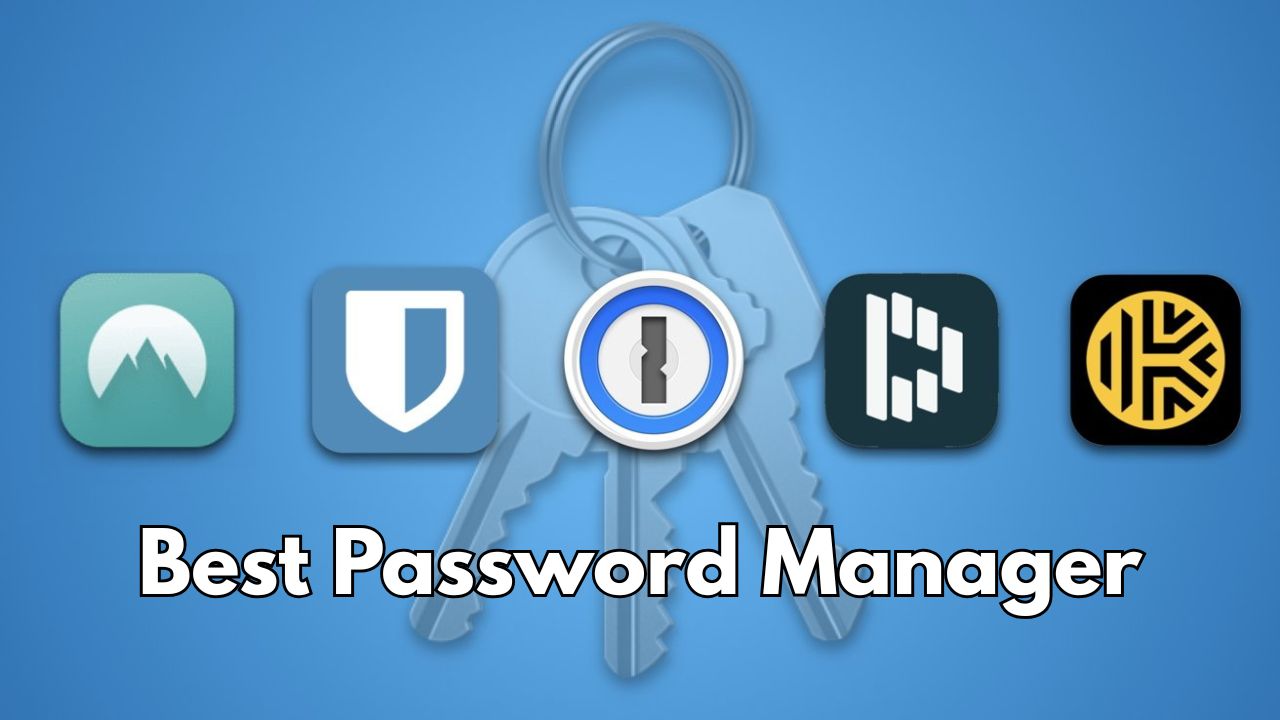
Password managers are one of the most important security tools. Apple, Google, and other platforms have also made their built-in password managers for keeping track of their credentials.
Password manager is designed to store and manage credentials securely. We listed the best password manager for Android, iOS, macOS, and Windows based on encryption, multi-device synchronization, security features, unique offerings, pricing and more.
What is password manager?
A free password manager is a software tool that allows you to store and manage your passwords without any cost securely. It generates unique passwords, auto-fills login credentials, and syncs across multiple devices for easy access.
Best Password Manager
There are more than a dozen password managers on the market, so we rolled up popular password manager. In this article, you’ll find my top password manager recommendations for why each one is a great choice.
1. Google Password Manager
Google Password Manager is built into Chrome and every Android app and allows you to sign in to sites and apps on any device without the need to remember passwords.



Key Features
- Allows users to sign in seamlessly across devices without remembering passwords.
- Provides alerts for compromised passwords and changes them quickly.
- Identifies and fixes security issues with Password Checkup.
- Imports passwords from other managers for easy integration.
2. Keeper Security
Keeper offers protection using zero-trust and AES 256-bit encryption, ensuring only you have access to your data. With Keeper, you can easily share passwords and files through One-Time Share, avoiding insecure methods like text messaging. The best part of Keeper is KeeperFill, which auto-fills usernames and passwords.
Keeper Security Features
- Secures your information using top-tier encryption and zero-trust principles.
- Creates robust, unique passwords effortlessly with one click.
- Promotes safe sharing of passwords and files using One-time share.
- Fills login details automatically on any device with KeeperFill.
3. 1Password
1Password incorporates a unique Secret Key and is paired with AES 256-bit encryption. This password manager allows you to effortlessly sign in to any account using passwords, passkeys, or single sign.
1Password also layers on a dual-key protection system that pairs your master password. It limits the amount of sensitive information accessible on devices. 1Password is competitively priced at $2.99 per month for individuals.
1Password Features
- Uses a unique Secret Key and AES 256-bit encryption for added security.
- Identifies weak passwords and vulnerabilities with the Watchtower feature for enhanced security.
- Saves time by auto-filling usernames, passwords, two-factor authentication codes, and payment info.
- Allows users to share credentials securely across Windows, MacOS, Linux, iOS, and Android.
4. RoboForm
RoboForm is a password repository which comes with AES-CBC 256-bit encryption and features a built-in password generator. This password manager allows you to share passwords and other sensitive data with trusted contacts securely.
Accessing RoboForm through Chrome is the easiest way to use it. RoboForm is one of the more affordable password managers and it comes with a free plan for lifetime.
RoboForm Features
- enerates strong, unique passwords with the built-in password creator
- Shares passwords securely with trusted contacts
- cans and identify weak or compromised passwords, alerting you to potential breaches.
- Auto-fills forms, passwords, and passkeys across all major platforms.
5. Bitwarden
Bitwarden is an open-source password manager that offers security with end-to-end AES-CBC 256-bit encryption. This password protection tool is developed by 8bit Solutions LLC, a privately owned company in Florida.
Passkeys have become a bigger part of Bitwarden’s experience. Bitwarden features a friendly and clean interface with focus on ease-of-use. Bitwarden’s premium plan costs less than $1.65 a month.
Bitwarden Features
- Encrypts data with end-to-end AES-CBC 256-bit encryption.
- Syncs unlimited vault items across all devices.
- Generates strong, unique passwords with integrated email alias services.
- Allows sharing passwords securely with individuals through secure links.
All password managers essentially generate and store passwords. Your password manager should be compatible with various devices (including desktops, laptops, tablets, and phones), operating systems, and browsers.
Conclusion
There are many password managers including free and paid desktop versions, and also browser extensions. They’re affordable, easy to use, and a whole lot more convenient.
Frequently asked questions
What is a password manager?
A password manager is a tool that securely stores, generates, and autofills your login credentials across accounts and devices.
What is best password manager tool?
The best password manager depends on your company’s size and security needs.
Is it worth paying for a password manager?
Yes, paying for a password manager is worth it.
Are password managers safe to use?
Yes. Reputable password managers are one of the safest ways to protect your online accounts.
What makes for a secure password?
A strong password should ideally be a minimum of 12 characters.