Social media marketing now runs on video. Every platform rewards fresh clips, yet most teams have the same budget and headcount as last year. The gap between demand and capacity keeps growing.
AI video tools close part of that gap. They handle slow, repetitive work such as cutting, captioning, resizing, and first drafts. A marketer can then spend time on strategy and the message.
This guide covers five tools and, more importantly, the habits that make them pay off. Prices and plans change often, so confirm details on each vendor’s site before buying.
The short version
Magic Hour turns photos and prompts into short clips and ad-style videos. Opus Clip cuts one long recording into many shorts. CapCut speeds up editing with captions and templates.
Canva keeps video on-brand and easy for non-editors. InVideo AI builds a full draft video from a single prompt. Each tool removes a different bottleneck.




What does “more with less” actually mean?
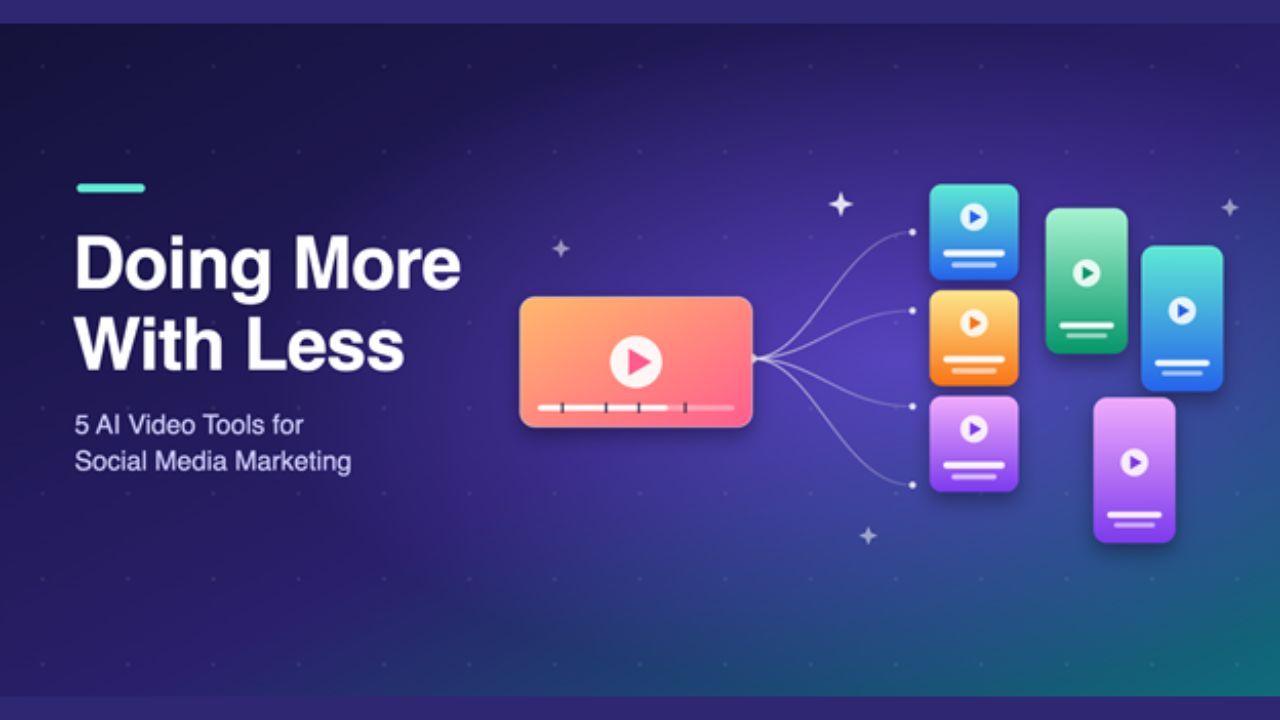
It does not mean posting more for its own sake. It means getting more reach from each idea you already have. One strong idea should become many assets.
Start with one core piece of content, such as a webinar, a customer interview, or a product demo. Cut it into short clips, resize them for each platform, and add captions for sound-off viewing. That single recording can then feed a week of posts.
Next, batch the work. Script, edit, and schedule several videos in one sitting rather than one at a time. Batching cuts the setup time that quietly eats most production days.
Plan formats early. Vertical 9:16 suits TikTok, Reels, and Shorts, while 1:1 and 16:9 still serve feeds and paid placements. Exporting the right shape the first time avoids awkward cropping later.
Then test hooks instead of whole videos. The first two seconds often decide whether anyone keeps watching. Try three openings for the same clip and keep the one that holds attention longest.
Reuse your winners too. A post that performed well can return months later with a new hook, a different crop, or an updated caption. Evergreen ideas rarely wear out as fast as creators fear.
Finally, measure what matters. Watch retention, shares, and saves more closely than raw views. Those signals show which ideas deserve a bigger share of your time.
A lightweight weekly workflow
Here is a routine that fits most small teams. Early in the week, pick one core idea and record or write it once. Midweek, generate or cut the variations.
Next, add captions and check each clip on a phone. Sound off, small screen, thumb ready. If the message still lands, schedule it.
Finally, review the numbers on a fixed day. Retire weak formats, repeat strong ones, and note which hook styles won. That log becomes your most valuable asset over time.
Magic Hour is a web platform that bundles dozens of video, image, and audio tools. The Magic Hour AI video generator hub covers text-to-video, lip sync, talking photos, and an AI UGC ad generator.
Where it saves time
The biggest time saver is AI image to video. Upload a product photo or campaign graphic, describe the motion, and get a short clip without a shoot. Exports come in 16:9, 9:16, or 1:1, which suits YouTube, TikTok, Reels, and paid ads.
Its video translator and lip sync tools also let one asset serve several markets. That helps small teams localize without re-filming.
A simple test is animating three product photos with different motion styles. Post each as a separate variation and compare the results. The numbers show which visual style your audience prefers.
Pricing snapshot
Core tools are free to try, with three shared free generations per day. Free clips are short, low-resolution, and watermarked. Paid plans started around $19 a month at last check.
Strengths and limits
Its range is the main strength, since one account covers video, image, and audio. The trade-off is depth, because dedicated editors give finer timeline control. Commercial use also requires a subscription or credit pack.
Who it fits
It suits small marketing teams, solo creators, and agencies that need quick variations of ads and short clips. Magic Hour reports more than a million monthly users, a figure it publishes itself.
2. Opus Clip: One long video, many shorts
Opus Clip repurposes long recordings into short clips for TikTok, YouTube Shorts, and Instagram Reels. You paste a link or upload a file, and the AI looks for highlights.
Where it saves time
It adds captions, reframes footage to vertical, and scores clips on viral potential. Its ClipAnything feature uses visual, audio, and sentiment cues to find strong moments. Higher plans add direct posting to Shorts, TikTok, and Instagram.
For a weekly show, that turns one recording session into a full content calendar. The editing hours saved can go toward research and community replies.
Pricing snapshot
Pricing runs on credits, where one credit equals one minute of source video. Pro was listed at $29 a month for 300 minutes in 2026 reviews. A weekly one-hour show fits that allowance with little room to spare.
Strengths and limits
It excels at turning webinars, podcasts, and interviews into steady content. Credits are charged by source length, so long raw recordings use up allowances fast. For non-enterprise users, its help center notes data may be used to improve its models.
Who it fits
Podcasters, streamers, and webinar hosts are the natural fit. One 2026 review cites 16 million creators on the platform.
3. CapCut: Fast edits with captions and templates
CapCut is a ByteDance-owned editor built around short vertical video. It runs on phones and computers.
Where it saves time
Auto-captions cover more than 100 languages, which matters because many people watch with sound off. Trend-driven templates provide pacing and transitions, so you are not building every edit from scratch. Keyframes, chroma key, and color tools remain available when you want more control.
A practical use is batch editing. Record several clips in one session, apply one template to all of them, and export together.
Pricing snapshot
A free plan remains. Reviewers report that captions, 4K export, and several AI tools moved behind a paid tier in a 2025 restructure. Pro was reported at $19.99 a month.
Strengths and limits
Its template library and beginner-friendly timeline are the main strengths. The cautions are paywalled features and the privacy concerns some reviewers raise. Check commercial-use terms for music and templates before publishing ads.
Who it fits
TikTok and Reels creators and small businesses use it most. Coverage often calls it one of the most downloaded editing apps worldwide.
4. Canva: On-brand video without an editor
Canva adds video to a design suite many marketers already use. That keeps graphics, captions, and clips in one workspace.
Where it saves time
Magic Video builds a clip of up to 60 seconds from your uploads and a prompt. Highlights finds the best moments in a long recording, and Enhance Voice removes background noise. Captions can be generated automatically.
Reusable templates keep a team consistent. On Pro, a content calendar helps plan and schedule posts, including publishing to Instagram or YouTube.
Pricing snapshot
Magic Video is included on all plans, including free. Videos export without watermarks when you use only free elements. Canva Pro costs $15 a month or $120 a year.
Strengths and limits
Ease of use is its strength, and the learning curve is small. The timeline is simpler than a dedicated editor’s, so complex edits feel limited. Premium elements trigger watermarks on free accounts.
Who it fits
Marketing teams, educators, and small businesses that already design in Canva benefit most. One workspace reduces handoffs between designers and social managers.
5. InVideo AI: Prompt-to-video drafts
InVideo AI turns a prompt into a full video draft. It generates a script, scenes, stock footage, voiceover, and captions together.
Where it saves time
You then revise through a chat interface, adjusting pacing, scenes, and voiceover. That makes it useful for explainers, product videos, and faceless social content. Reviewers also praise its social media templates.
A practical use is first drafts. Generate a rough version, then replace weak scenes with your own footage so the final cut reflects your brand.
Pricing snapshot
A free plan exists, but it adds watermarks and lacks generative features. One 2026 review lists paid plans from $35 to $999 a month. Credits are separate from video minutes and do not roll over between billing cycles.
Strengths and limits
Speed is the strength, since a rough cut appears in minutes. The credit system is the catch, because complex prompts can consume allowances faster than expected. Some users also report performance issues and limits on advanced editing.
Who it fits
Social media managers and faceless-channel creators use it most. Capterra’s listing for invideo draws on more than 400 reviews.
Mistakes that waste the savings
The first mistake is automating everything. Audiences notice when every clip looks and sounds the same. Keep one human element in each video, such as a real face, voice, or opinion.
The second is ignoring rights and terms. Music, templates, stock footage, and generated assets can each carry different licenses. Read the commercial-use terms before using any clip in a paid campaign.
The third is skipping review. AI captions can misspell brand names, and generated clips can contain visual glitches. Spend two minutes watching every export before it goes live.
Common questions
How many tools do I actually need?
Most teams need two: one to create or draft, and one to edit or repurpose. Add more only when a clear bottleneck appears.
How do I pick between them?
Match the tool to your bottleneck. Long recordings point to Opus Clip, quick edits to CapCut, and brand consistency to Canva. Drafts from scratch suit InVideo AI, while photo-to-clip work suits Magic Hour.
Are free plans enough?
For testing, yes. Watermarks, short clips, and daily limits usually make free tiers unsuitable for client or paid campaign work.
Will AI video hurt engagement?
Not if the message is strong. Viewers respond to relevance and clarity more than to production method. Add a real voice or face where trust matters.
Can small budgets compete with larger brands?
Yes, on speed and consistency. Large budgets still win on polish, but frequent, relevant posts can earn attention that polish alone cannot.
How do I keep brand voice consistent across tools?
Write a one-page style guide covering fonts, colors, tone, and caption rules. Then apply it in every tool you use.
Do I need to disclose AI use?
Check each platform’s rules. Many require labels for realistic synthetic content, and paid ads may carry extra policies.
The bottom line
Podcasters and webinar hosts will get the fastest return from Opus Clip. Mobile-first creators who edit daily should look at CapCut. Brand teams that already live in Canva can add video there with little friction.
Managers who need quick drafts from a script or idea can try InVideo AI. Marketers with product photos and ad concepts will find Magic Hour useful for turning stills into motion.
On budget, start with free tiers, then move to one paid plan once a tool proves its value. Review the subscription every quarter and cancel anything you rarely open.
Pick one bottleneck, test one tool, and track the results for a month. Want to turn product photos into clips? The free tools in the Magic Hour AI video generator are an easy place to start.