How to Write a Perfect Blog Outline Using AI Prompts
Learn how to use AI to write blog outline and supercharge your blogging strategy. An effective blog outline helps organize your thoughts and ideas, enhances readability, boosts SEO and AI search.

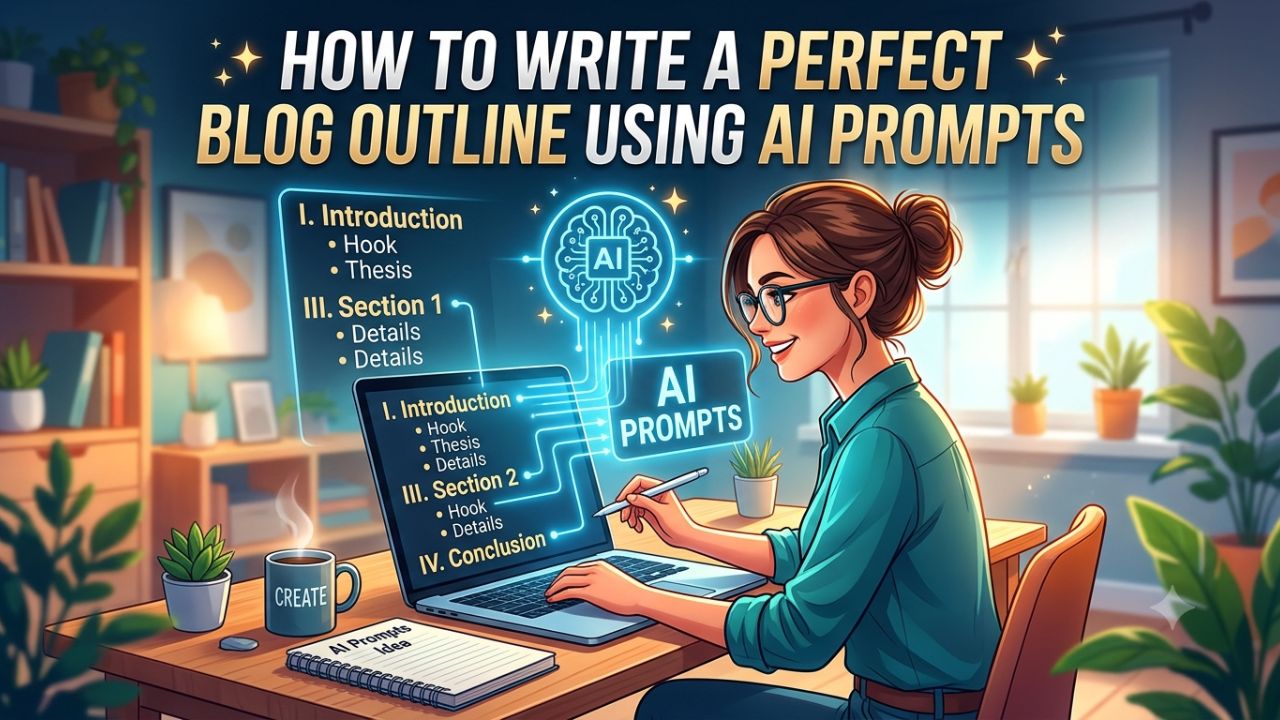
A well-structured blog outline is the foundation of successful content creation. AI generated blog outline ideas, improves reader engagement, and strengthens SEO and AI search performance. In this post, we will explore how to create compelling blog outlines using AI.
Generating a well-structured blog outline takes just a few minutes with AI tools. This guide explores why blog outlines matter, what components make them effective, and how to create outlines.
What Is a Blog Outline?
A blog outline is simply the roadmap of your blog post. It help to design uniqe content and maps out all the major sections, sub-points, and key ideas to cover before you start writing. AI content creation tools simplify the process, saving you hours and improving structure.
It organizes your thoughts into a structured hierarchy, usually using lettered lists (H2, H3, H4 headings) to represent the flow of information.
- AI tools for blog outlines reduce planning time by 50-70% on writing.
- AI suggests trending keywords and headings for better search performance.
- AI-generated outlines maintain logical flow and ensure no key topics.
- Real-time editing and shared workspaces streamline teamwork.
A blog outline is a simple plan for a blog post. To write a perfect blog outline using AI, use a structured, multi-element prompt that specifies your target audience, search intent and tone.



What Does a Blog Outline Include?
- Blog title: Tells readers what the article is about.
- Introduction: Explains the topic and gives readers a reason to continue.
- H2 sections: Cover the main parts of the topic.
- H3 subsections: Break larger sections into smaller and easier points.
- Key points: Show the important information you want to explain.
- Examples: Help readers understand difficult ideas through real or simple examples.
- Conclusion: Summarizes the main idea and gives readers clear next steps.
- CTA: Encourages readers to take a useful action, such as trying a tool or reading another article.

How to Create a Blog Outline Using AI
Creating an outline is the most important pre-writing step you can take. Follow this systematic approach to build outlines that improve content quality:
1. Start with a Clear Blog Topic or Title
Before diving into the AI tools, define a precise blog topic or title. Ensure your title is specific, targeted, and aligned with your audience’s needs. Strong headlines are specific, benefit-driven, and optimized for search engine.
For example:
❌ AI
This is too broad. Your article could be about AI tools, AI images, AI writing, AI for students, or many other topics.
✅ How to Use AI to Write Blog Posts
This is more specific topic for blog posts. It gives you a clear direction for the article. A good topic should tell you what the reader will learn from the post.
It is important to be careful when designing the title for your blog. It should have the right length and incorporate relevant keywords. This helps you rank on search engines.
2. Use AI to Generate Keyword Ideas
Keywords are an essential component of any successful blog. The keyword should describe what the article is actually about. Choose a Focus keyword that closely matches the main topic of your article.
AI tools, like SEMrush, Ubersuggest, or Google’s Keyword Planner, can quickly generate relevant keywords based on your blog’s topic.
3. Understand the Search Intent
To make a blog appear in AI search results, it is essential to optimize it according to search intent. When you provide context to AI, it is able to generate content more effectively. There are four common types of search intent:
- Informational: The reader wants to learn something.
- Commercial: The reader wants to compare products, tools, or services before making a decision.
- Navigational: The reader wants to find a specific website or page.
- Transactional: The reader is ready to take an action, such as buying or signing up.
4. Use AI Tools to Generate Initial Outline Ideas
Many AI-powered writing assistants, like ChatGPT, Copy.ai, or Jasper, can help you create outline for blog post. It generates content based on your blog topics, which is optimized for search engines.
Give Clear Prompts: Generate an outline for a blog post on What is SEO? and How to Optimize Website
Review AI-Generated Suggestions: AI generates content based on your prompt. Review these suggestions and see how they align with your overall goal.
5. Structure Your Outline Logically
AI-generated outlines are already well-structured and organized. However, to create an effective blog outline, you should follow the steps provided below.
Introduction: The ‘hook’ of a blog is what compels readers to stay on the page. Therefore, it is essential to craft a strong introduction for your blog—it also helps you appear in AI-driven search results.
AI Prompts to Generate Blog Post Outlines
You can use these prompts with any AI tool, like ChatGPT, Claude, Copilot, or RightBlogger Chat to create high-quality outlines.
SERP Pain Point Extractor Outline
Create a blog post outline for "[TOPIC]." First, list the likely top 5 pain points behind this search. Then build an outline where each main section directly resolves one pain point. Include suggested H2s and H3s.
Persona and “Bad Day” Outline
Create an outline for "[TOPIC]" for [PERSONA]. Assume they're having a bad day because [SITUATION]. Build sections that reduce stress, remove confusion, and lead to a clear win by the end.
Problem First, Then Options Outline
Outline a post for "[TOPIC]" that starts by diagnosing the problem. Then present 3 realistic options (with pros and cons), followed by a recommended path based on [CONSTRAINT] like budget, time, or skill.
Quick Win in the First 10 Minutes Outline
Make an outline for "[TOPIC]" that gives a quick win within the first section. Then expand into deeper steps. Label which parts are "10-minute fix," "1-hour upgrade," and "long-term system."
Alternatives and Comparisons Outline
Build an outline for "[TOPIC]" that compares [OPTION A], [OPTION B], and [OPTION C]. Include who each is best for, costs, time to results, and common regrets. End with a simple chooser guide.
Keep in mind that AI-generated outlines are just a starting point. Be sure to include your preferences for tone and style in your prompts. You will need to write the rest of the content yourself; AI tools can only be used to create the blog outline.
Frequently Asked Questions
Can AI create a complete blog outline?
Yes. AI can create a complete first outline with H2s, H3s, questions, and key points.
Can ChatGPT create an SEO-friendly blog outline?
Yes. Give it your topic, keywords, audience, and search intent with a clear structure.
Conclusion
A compelling blog outline is your essential investment in quality content. Creating a blog outline with AI can save time and make writing easier. Start with your topic, keyword, and search intent, use AI to create an outline.
To get better outlines, you want to give the AI clear guidance around pain points. Generate an outline, remove repeated or unnecessary sections and add your own ideas.